
1
Open the Events tab
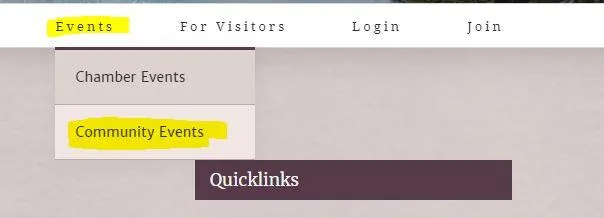
From the home page at www.keizerchamber.com, scroll over the “Events” tab, then click on “Community Events” in the drop-down.
Events
You don't have to be a Chamber member to share your event with the Keizer community, just follow the steps below.
How it works
From the home page at www.keizerchamber.com, scroll over the “Events” tab, then click on “Community Events” in the drop-down.
Click on “Submit New Event” at the top right of the list of events.

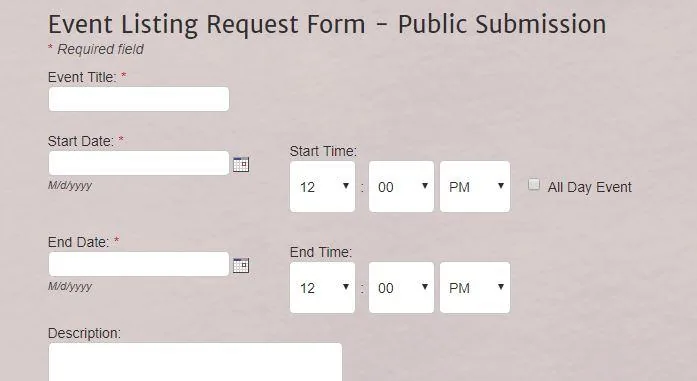
Fill out all fields. Be as thorough as possible so attendees have what they need.
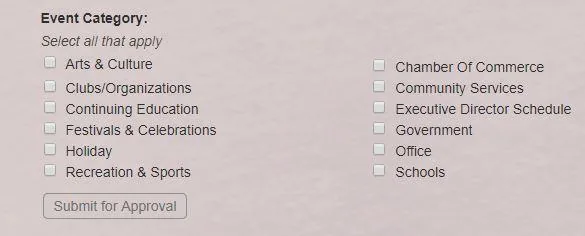
Select all applicable event categories, then click “Submit for Approval.” The Chamber will review and publish it to the community calendar.
Adding an image? Please email it to info@keizerchamber.com and we'll attach it to your event.
Head to the community calendar and click Submit New Event.